Are you using monorepos? Then we recommend you follow our monorepos setup.

1. Install dependencies

Install the React Email package locally and a few components.
npm install react-email @react-email/preview-server -D -E
npm install @react-email/components react react-dom -E

2. Add scripts

Include the following script in your package.json file.
package.json
{
  "scripts": {
    "email:dev": "email dev"
  }
}

3. Write an email template

Create a new folder called emails, create a file inside called email.tsx, and add the following code:
emails/email.tsx
import { Button, Html, Head, Body } from "@react-email/components";
import * as React from "react";

export default function Email() {
  return (
    <Html>
      <Head />
      <Body>
        <Button
          href="https://example.com"
          style={{ background: "#000", color: "#fff", padding: "12px 20px" }}
        >
          Click me
        </Button>
      </Body>
    </Html>
  );
}

4. Run locally

Start the development server.
npm run email:dev

5. See changes live

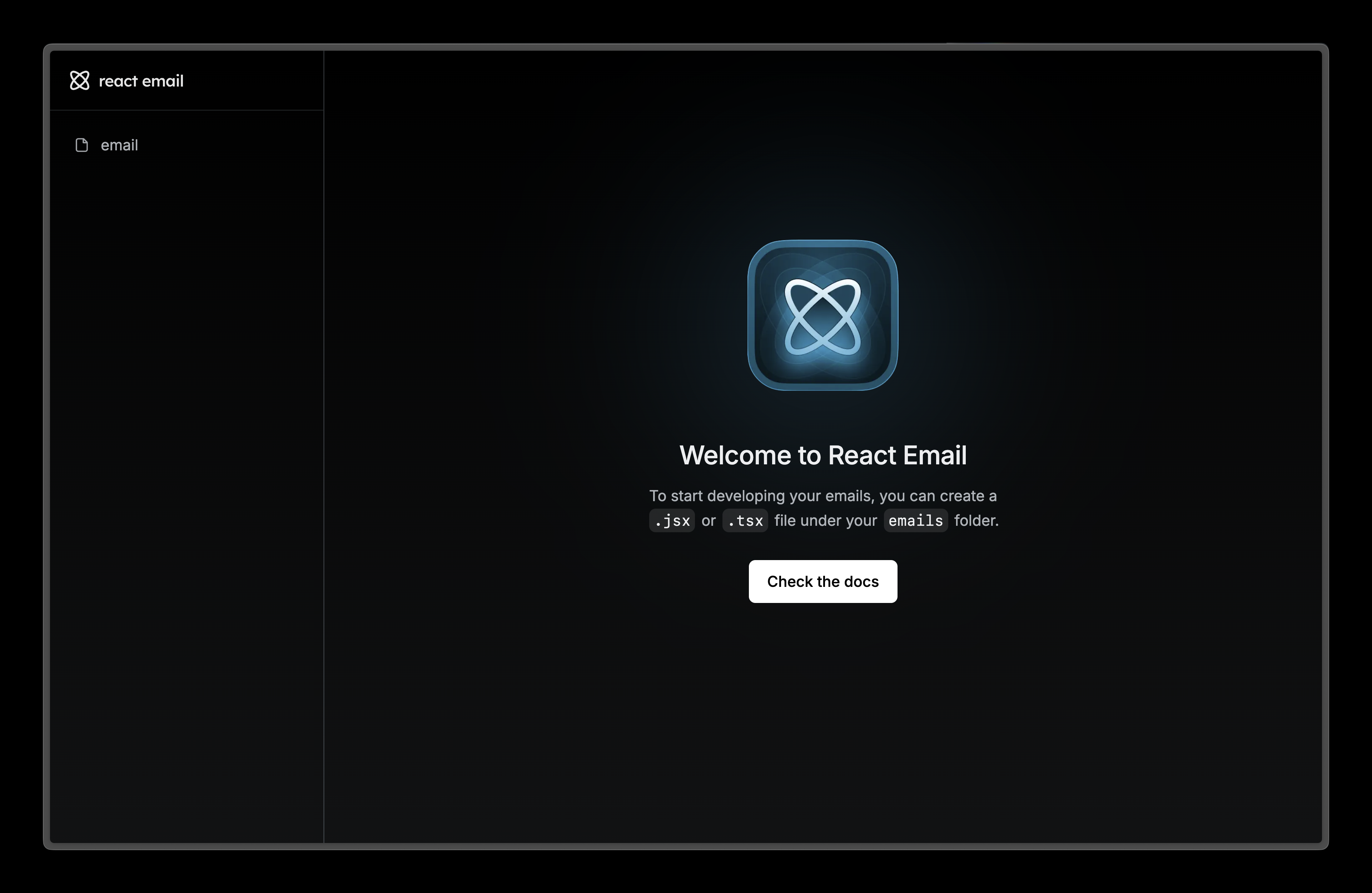
Visit localhost:3000 and edit email.tsx file to see the changes.
Local Development

6. Next steps

Try adding these other components to your email.